Exness VPS: Free Requirements, Setup, Locations and Losing Access
Exness VPS explained from the Help Center, checked Nov 25, 2026: who qualifies, the lot-volume maths, how to apply and connect, how access is kept or lost, and when you need one.
This site contains affiliate links. We may earn a commission if you sign up through our links. How we research
Exness VPS is a remote Windows computer, hosted near Exness trading servers, that keeps MetaTrader and your Expert Advisors (EAs) running when your own PC is off. It is free, but you only get it if your account balance and/or traded volume meets the criteria shown in your Personal Area (Exness benefits, then Virtual Private Server), and you keep it only by trading from it. The amounts are not published in the Help Center and can change, so we give none; read your own page. If you trade by hand, or run an EA only while your computer is on, you probably do not need one.
Disclosure: OnForex earns a referral commission if you open an Exness account through our links.
Sources: the Exness Help Center articles About Exness VPS, Setup guide, Troubleshooting, Security, Terms of Use and Available trading servers, all re-read on November 25, 2026 (updated between September 16 and October 9, 2026). We did not apply for or use an Exness VPS ourselves, so the steps below are the Help Center's, not our own test.
Do I need an Exness VPS?
| Your situation | VPS useful? | Why |
|---|---|---|
| Manual trading from a phone or laptop | No | No program has to keep running on your own PC |
| EA on MT4 or MT5 that must run 24 hours | Yes | The EA stops when your computer sleeps, loses internet or restarts |
| EA that you run only during your own working hours | Usually no | Your PC is on anyway |
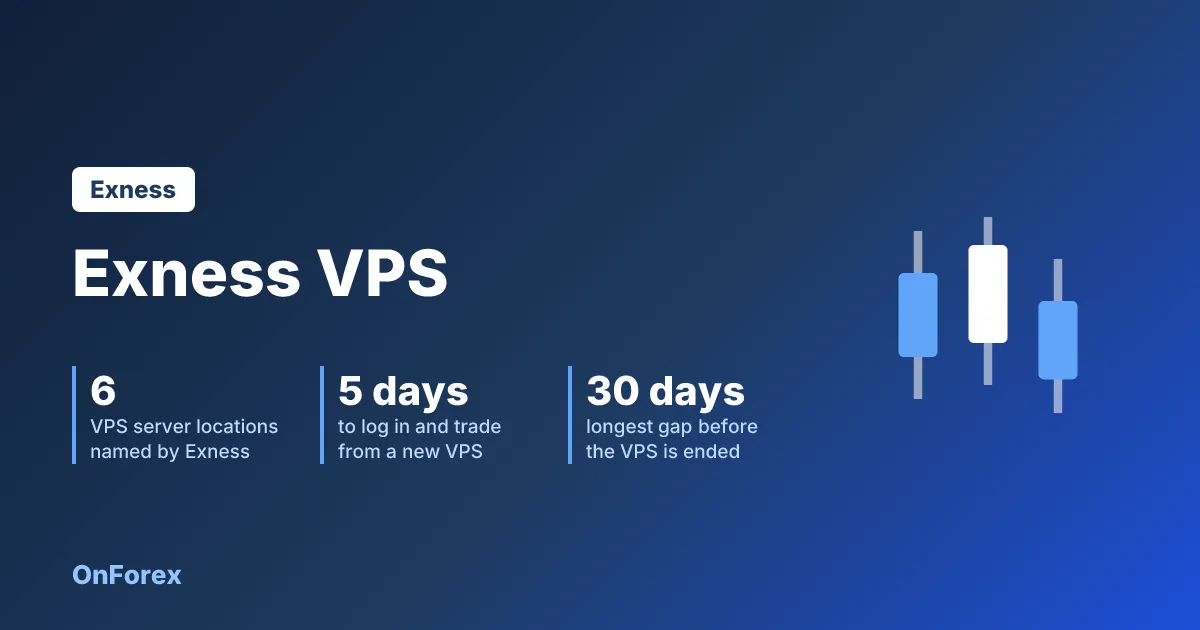
| Wanting lower latency | Possibly | Exness says VPS servers sit near its trading servers in Amsterdam, Dubai, Seoul, Singapore, Miami and Johannesburg |
A VPS removes your own internet connection from the chain, but not market risk: an EA with no stop-loss still loses money while you sleep. Test the EA on a demo account first, and read our Expert Advisors guide.
What are the Exness VPS requirements?
Exness says the service is free, but you must meet an account balance and/or trading volume criterion to apply, and a separate criterion to keep it. The amounts differ by account, so confirm them in your Personal Area under Exness benefits, then Virtual Private Server.
- Account balance means available funds in your trading accounts. An existing balance counts, so you may already qualify without a new deposit.
- Trading volume means opened and closed orders on real trading accounts, tracked in lots but calculated in USD. Demo accounts do not count, and social trading or portfolio management accounts are excluded.
- Pending orders do not count towards volume.
How to turn a volume target into lots
A fully traded lot counts its contract size twice, once when opened and once when closed. The Help Center formula is:
fully traded lots = ((traded volume in USD / base-currency-to-USD rate) / contract size) / 2
Worked examples for a target of USD 1,000,000 (our own numbers, not an Exness requirement):
| Instrument | Contract size | Rate used | Calculation | Round-turn lots |
|---|---|---|---|---|
| USDJPY | 100,000 | 1 (base is USD) | (1,000,000 / 1) / 100,000 / 2 | 5.0 |
| EURUSD | 100,000 | 1.10 (illustrative) | (1,000,000 / 1.10) / 100,000 / 2 | about 4.55 |
The Help Center's own example is a USD 1.5 million target over 30 days alongside a balance between USD 500 and 1,999, which it converts to 7.5 USDJPY lots or 7 EURUSD lots at 1.07. Treat that as a worked example of the maths, not a promise that those figures apply to you. Use the base-currency mid price at the time of the order.
How do I apply for and connect to Exness VPS?
- Log in to your Personal Area, open Exness benefits, then Virtual Private Server. If you meet the criteria it says so.
- Click Request VPS hosting and choose the number of terminals, the operating-system language and the server location. The number of terminals and the language cannot be changed without reinstalling; changing the location means deleting the VPS and requesting it again.
- Accept the user agreement. When the status shows Online, it is ready.
- Click Login to see the VPS Address, VPS Login and VPS Password. The password is shown once, so save it.
- Connect with Remote Desktop Connection or the Windows app on Windows, or Microsoft Remote Desktop on Mac. In the Exness Trade app, open the Profile tab and choose VPS to find the same credentials.
- Change the default password straight away. The setup guide calls this mandatory, and the security article advises keeping the login secret and using the VPS only with your own accounts. Sharing it can end the service.
If you type the credentials wrong several times, your IP address is frozen for about an hour. For EAs on Windows, tick your EA folder under Local Resources before connecting so you can copy files across.
Installing an EA
Open MT4 or MT5 inside the VPS, choose File, Open Data Folder, paste your EA, script and indicator files into the MQL4 (MT4) or MQL5 (MT5) Experts, Scripts and Indicators folders, restart the platform and drag the EA onto a chart. An .exe EA needs a support ticket. The VPS ships with FX Blue EAs, and Exness states it is not responsible for errors from using them. See MT4 and MT5 setup, and trading platforms.
See Exness account options
Check which account types and platforms are offered for your region before you plan an EA. Forex and CFD trading carries a high risk of loss.
Check the account conditionsForex and CFD trading involves significant risk. You may lose your invested capital.
How do I keep my Exness VPS?
| Rule | Detail (Help Center) |
|---|---|
| First use | Log in and trade from the VPS with the linked account within 5 days; warnings on day 3 and day 5 |
| Ongoing use | Log in and trade from the VPS at least once every 30 days, even if you meet a longer-period volume rule; warnings on day 27 and day 30 |
| Volume | Meet the volume shown in your Personal Area over a 30, 90 or 180 day period; one period is enough, and the 90 and 180 day periods unlock as you reach them |
| If missed | The VPS is terminated and all data is cleared and unrecoverable |
Warnings are sent at days 20, 28, 29 and 30 of a 30-day volume shortfall (About Exness VPS, Terms of Use), and at days 27 and 30 if you have not logged in and traded from the VPS (setup guide). These are two separate conditions, so watch your Personal Area and email. Only real-account orders count, and pending orders do not. Back up EAs and scripts yourself.
What are the common Exness VPS problems?
- Forgot the password: Personal Area, Virtual Private Server, the three-dot menu next to Reboot, Reset Password, wait for "Rebooting", then Login and reveal it. If it fails, wait one hour before retrying.
- Slow or frozen: reboot from the Personal Area, then delete files in the platform's Logs and History folders, then reinstall as a last step.
- Reinstall: takes about 15 to 20 minutes and removes all data.
- Rebooting: new orders, modifications and cancellations are not possible on the VPS platforms during a restart, but open orders and running EAs continue. Disable auto-trading first or watch your EAs afterwards.
- Maintenance: the terms say the VPS may be unavailable during maintenance and advise closing open trades before Friday market close if maintenance is scheduled.
Exness monitors the MT servers' uptime, but you are responsible for the terminal's connection, restarts and whether your EAs are running, and Exness is not liable for losses from EAs or from being unable to reach the VPS (Terms of Use). Check your open trades from your phone (Exness Trade app) and keep stop-losses on every EA position. Customer support can be reached through the support hub.
Frequently asked questions
Is the Exness VPS free?
Yes, according to the Help Center, but you must meet a balance and/or trading volume criterion to get it and a volume criterion to keep it.
What is the Exness VPS minimum balance?
It is not published in the Help Center. Open Exness benefits, then Virtual Private Server in your Personal Area to see the criteria that apply to you.
Can I use my own VPS with Exness?
Yes, but Exness says it cannot ensure the quality of your VPS connection, which is why it recommends its own.
Where are Exness VPS servers?
Exness names Amsterdam, Dubai, Seoul, Singapore, Miami and Johannesburg as locations near its trading servers.
Can I choose which Exness trading server my account uses?
No. Trading accounts are assigned to a server randomly and the assignment cannot be changed.
Can I run Expert Advisors on Exness VPS?
Yes, on MT4 and MT5 inside the VPS. You install your own EAs or use the FX Blue EAs it ships with.
Risk warning: Forex and CFD trading involves a high risk of loss, and automated trading can lose money quickly. Exness VPS criteria and terms can change; check your Personal Area. This article is general information, not investment advice.
Related Articles
Exness EA: Expert Advisors on MT4 and MT5, VPS and Setup
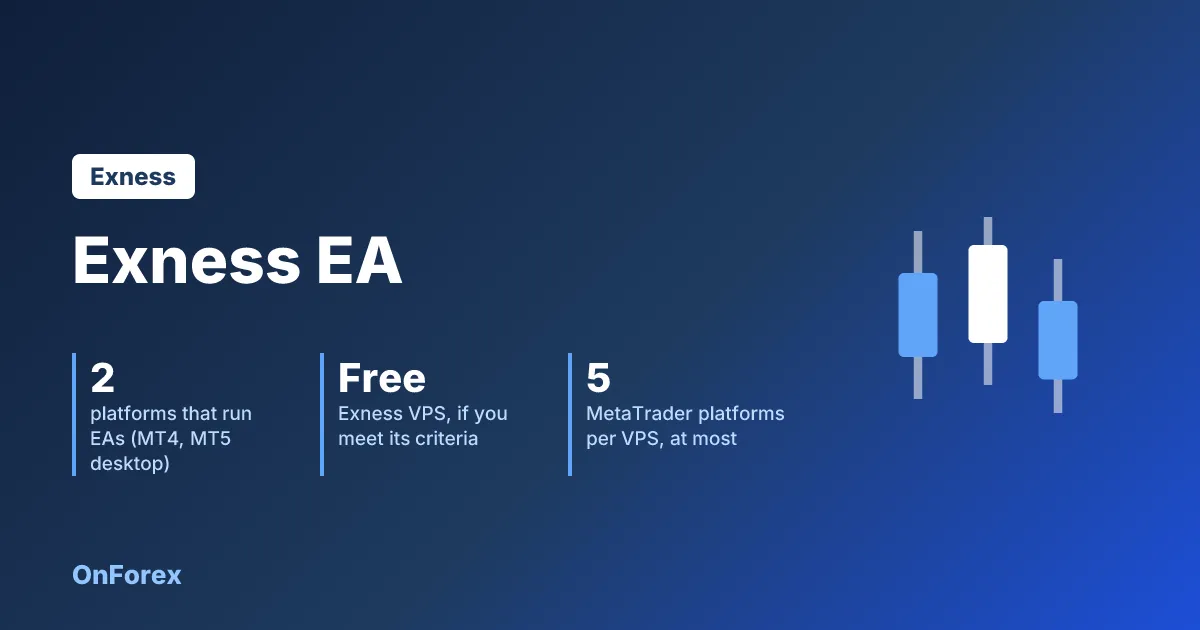
Can you use an EA on Exness? Yes, on MT4 and MT5 desktop only. Platforms that support EAs, how the free Exness VPS works, setup steps and account execution types.
Exness Negative Balance Protection: How It Works (2026)
Does Exness have negative balance protection? Yes: a negative balance after a stop out is reset to 0. How it works and what it does not cover.
JustForex Raw Spread Minimum Deposit vs Exness (2026)
JustForex (now JustMarkets) Raw Spread minimum deposit is USD 200. Compare it with Exness Raw Spread: commission, spreads and account types. Checked Nov 21, 2026.
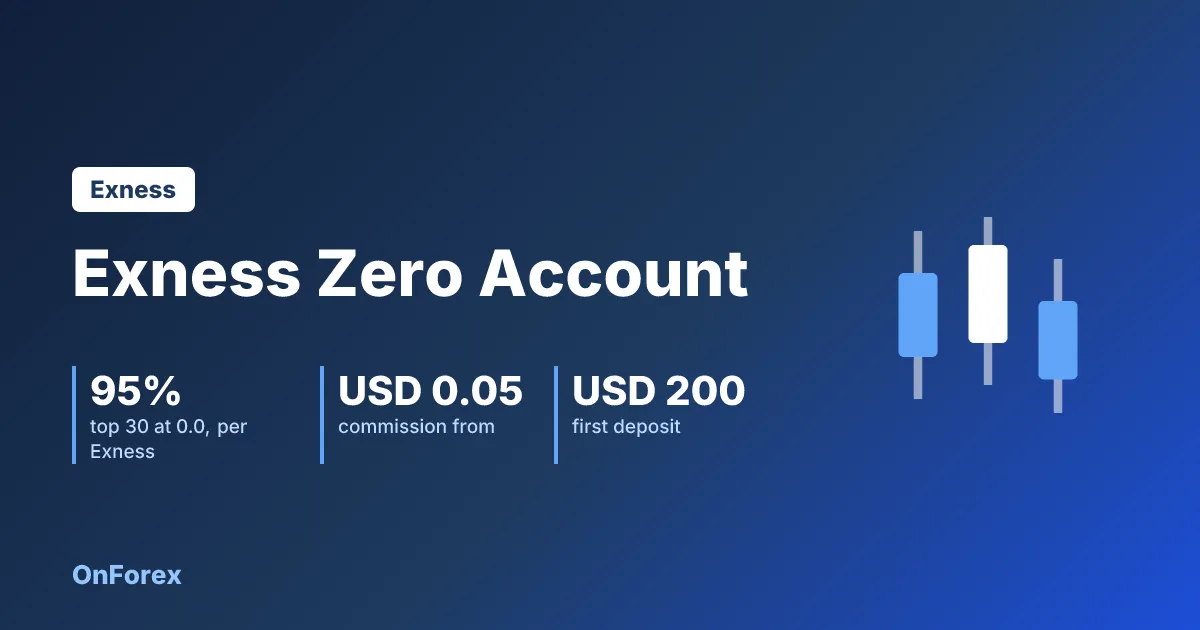
Exness Zero Spread Account: Minimum Deposit and Commission
Exness zero spread account minimum deposit: from 200 USD, set by region. Plus the commission from 0.05 USD per lot per side, 0.0 spread hours and a cost example.
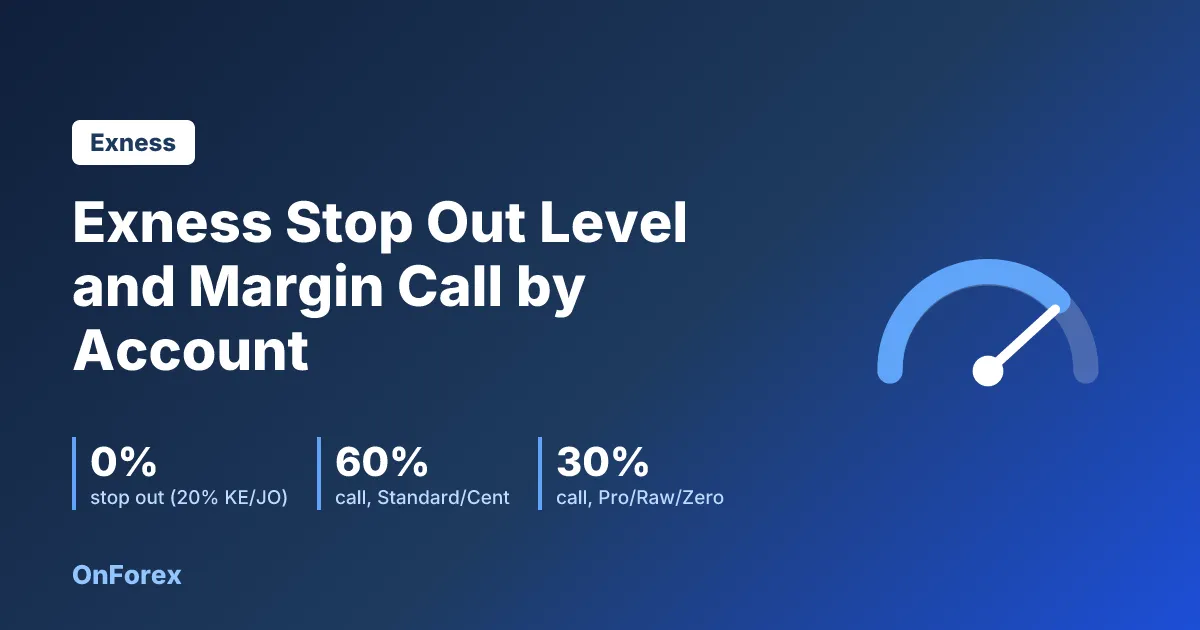
Exness Stop Out Level and Margin Call by Account (2026)
Exness stop out level is 0% on every account type, with margin call at 60% or 30%. Kenya and Jordan clients have a 20% stop out. Worked examples and how to avoid it.
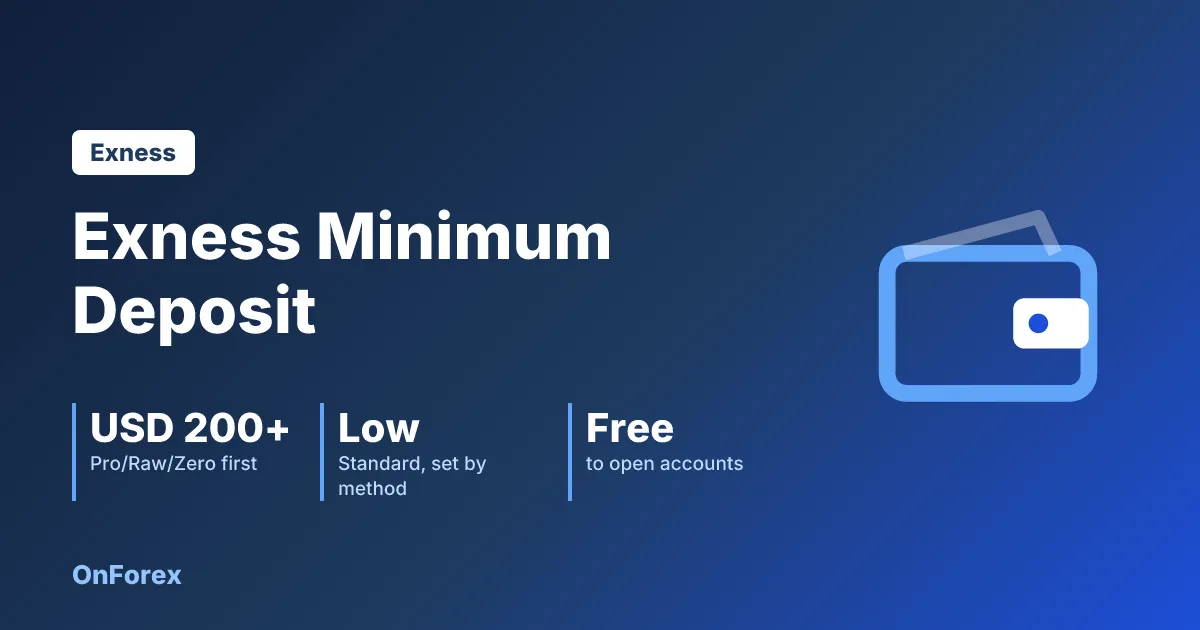
Exness Minimum Deposit: By Account Type, Method and Country
Exness minimum deposit: Standard and Cent need a low first deposit set by payment method and country; Pro, Raw Spread and Zero need at least USD 200, by region.